
Why is Buzz not loading today?
Buzz Casino not loading today? Work through simple checks for your connection, browser, app and account, and find out when to contact support.
Common reasons Buzz won't load
Buzz Casino usually fails to load for everyday reasons: a weak connection, a stale browser cache, an outdated app or a short pause on the site itself. Start by reloading on a different network, clear your cache, then sign in again. If the page still won't open, contact customer services by live chat, email or post.
When Buzz Casino will not load, the cause is usually on your side of the screen rather than in your account. Wi-Fi that drops in and out, mobile data with a single bar, a browser holding old saved files and an app that has not been updated are the most frequent culprits. Occasionally the site itself is briefly busy or being updated, and then nothing you change will help until it comes back. The good news is that most problems clear up within a few minutes.
Weak connection
Slow Wi-Fi or patchy mobile signal stops pages and games from finishing. You may see a blank page or a wheel that keeps spinning.
Stale browser data
Old cached files and cookies can clash with the current version of the site, which often causes blank screens or a login that loops back.
Outdated app
If you play through an app, an old version can stop opening or freeze on the first screen. Updating usually fixes it.
Short site pause
Sites sometimes pause briefly for updates or heavy traffic. Waiting a few minutes and retrying is the sensible move.
Account restriction
A time out, self-exclusion or a pending verification check can limit what you see after logging in, even though the site itself works.
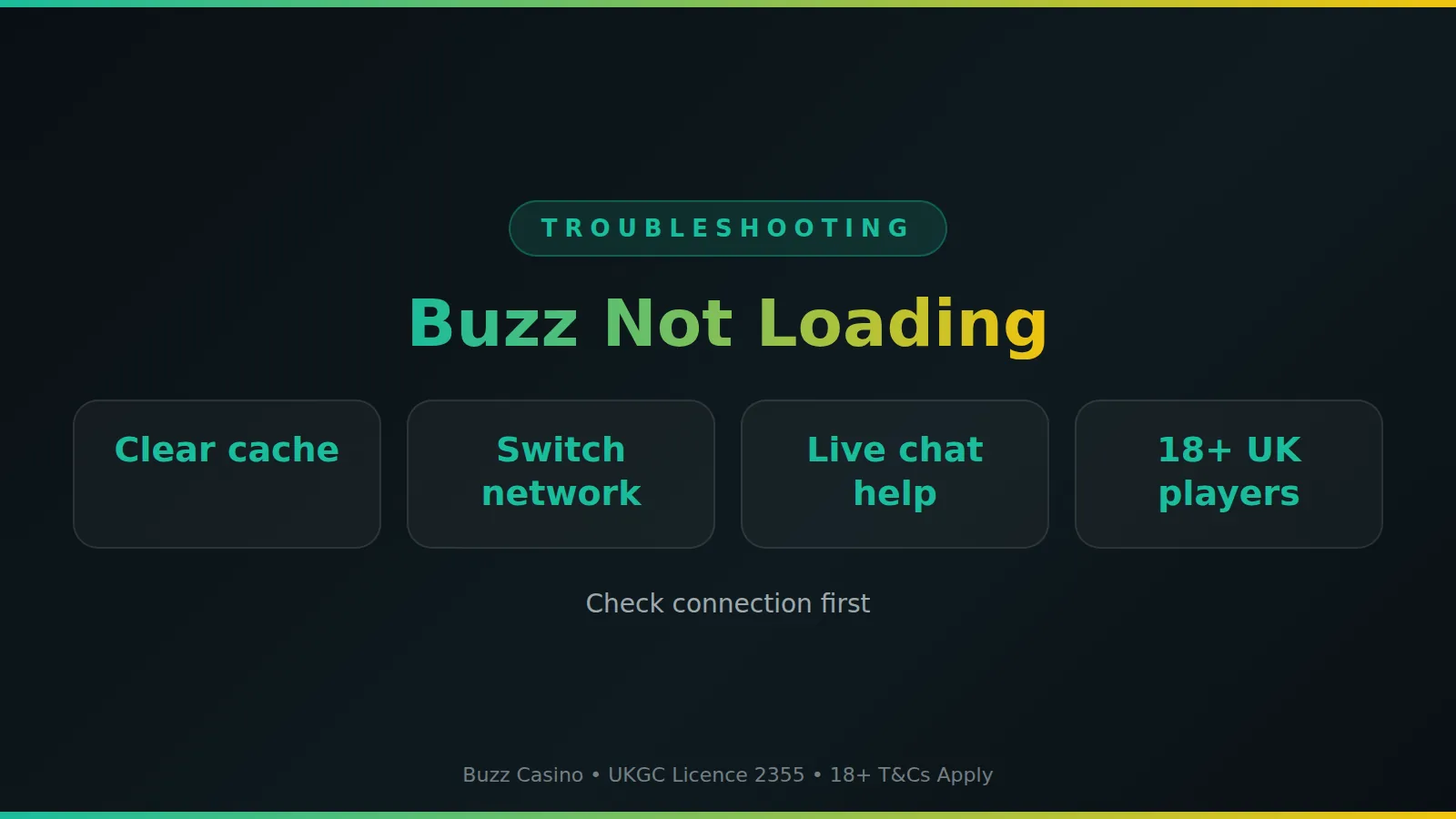
Quick checks, step by step
Test another website
Open any other site. If it fails too, the problem is your internet connection, not Buzz Casino.
Reload the page
Refresh once, then close the tab completely and open the Buzz Casino address again from scratch.
Switch network
Move from Wi-Fi to mobile data, or the other way round. Restarting your router also helps.
Clear cache and cookies
Delete saved site data in your browser settings, then reopen the site and sign in again.
Try another browser or device
If it works elsewhere, the issue is limited to your first browser or device.
Update the app
If you use the app, install any pending update, restart your phone and open it again.
Work through these in order and test the site after each step. That way you know exactly which one solved it, and you avoid changing more settings than you need to. If you are stuck at the sign-in screen specifically, the login page has the usual sign-in help.
Match the symptom to the fix
Blank page
- Likely cause
- Old cache
- First fix
- Clear cache
Spinning wheel
- Likely cause
- Weak signal
- First fix
- Change network
Login loop
- Likely cause
- Old cookies
- First fix
- Sign in again
Error message
- Likely cause
- Site pause
- First fix
- Wait, retry
Game freezes
- Likely cause
- Connection drop
- First fix
- Reload game
App won't open
- Likely cause
- Old version
- First fix
- Update app
Treat the table as a starting point. Several causes can overlap, so if the first fix does not work, move on to the next step in the checklist above rather than repeating the same one.
Before clearing cookies, make sure you know your login details. Clearing site data signs you out, and you will need to enter them again.
When the cause is your account
Sometimes the site loads for other people but your own account behaves differently. That is rarely a fault. It is more often a safety setting or a check that is doing its job. Buzz Casino is built for players in the United Kingdom, and its terms set 18 as the minimum age, so access also depends on where and how you are signing in.
A time out or self-exclusion you set earlier is still active, and it applies across all of the operator's websites.
You are registered with GAMSTOP, which blocks access to licensed online gambling sites.
Your account has a verification check in progress, such as identity or affordability checks.
You are trying to sign in from outside the United Kingdom.
The sign-in details are mistyped, or the account was closed.
If one of these sounds familiar, customer services can tell you what is set on your account and what the next step is. If you do not have an account yet, you can sign up once any exclusion or restriction on your side has ended.
Contacting Buzz support
If the checks above have not helped, the customer services team is the right next stop. Have your username, the device and browser or app you are using, and the exact wording of any error message ready. A short description of what you tried already saves time, because the team can skip the basic steps.
| Contact routes | Email, live chat or post |
|---|---|
| Footer pages | Contact Us, Complaints & Disputes |
| Dispute service | IBAS registered operator |
| Access | Players in the United Kingdom |
| Minimum age | 18+ |
More answers on accounts, payments and the site in general are collected on the FAQ page, and the terms of use explain how restrictions and checks work. Reading both before you write in can save you a few minutes, since many loading and sign-in questions already have a short answer there.
Related questions
- Can't get past the sign-in screen? See the Buzz Casino login guide.
- Prefer to play on your phone? The mobile app page explains how to get started.
- Wondering about payouts once you are in? Read about withdrawal times.
- Want to know about licensing? See is Buzz Casino legit.
- Looking for the full question list? Head to the FAQ.
| Studio | Popular titles |
|---|---|
| Pragmatic Play | The Bingo Spot, Gameshow Party Jackpot Play, 3 Magic Eggs |
| Games Global | 12 Masks of Fire Drum Frenzy, 1st Class Express Big Train Bonus, 3 Lucky Rainbows Action Boost SpinUp |
| Blueprint Gaming | 777 Deluxe JK, 7s Deluxe Jackpot King, Bankin Bacon JK |
If gambling ever stops feeling like fun, GAMSTOP, BeGambleAware and GamCare offer free, confidential support, and Buzz Casino has deposit limits, time out and self-exclusion tools.
Quick answers on Buzz not loading
Why is Buzz Casino not loading on my phone?
The most common causes are a weak mobile signal, an old browser cache or an app that needs updating. Switch between Wi-Fi and mobile data, clear your browser's saved data, and install any available app update. Then restart the phone and open Buzz Casino again.
Is the site down for everyone or just me?
Try opening a couple of other websites first. If they load normally but Buzz Casino does not, try another device or network. If it fails everywhere, the site may be briefly paused, so wait a few minutes and retry before contacting support.
Will clearing my cache delete my account?
No. Clearing cache and cookies only removes saved files from your browser and signs you out. Your account, balance and settings stay with Buzz Casino. Just keep your login details to hand so you can sign in again afterwards.
Why can I open the site but not log in?
Typos, saved old passwords and stale cookies are the usual reasons. Retype your details carefully, clear site data and try again. If you still cannot get in, an exclusion, time out or verification check may be active, and customer services can explain which.
Can I use Buzz Casino from outside the UK?
Buzz Casino is built for players in the United Kingdom, and its terms list the UK as the permitted jurisdiction. If you are abroad, the site may not open or sign-in may not work as expected, so it is best to wait until you are back in the UK.
How do I contact Buzz Casino about a loading problem?
Customer services can be reached by live chat, email or post. The Contact Us page in the site footer is the easiest starting point. Mention your device, browser or app and any error message so the team can help faster.
Try Buzz Casino
Read the terms first, set a deposit limit before you pay anything and only play with money you can afford to lose. 18+ T&Cs apply.
Heather Wardle
Gambling Policy Researcher, University of Glasgow
Heather Wardle is a leading UK gambling researcher at the University of Glasgow, specialising in gambling policy, public health, and regulatory frameworks. Her work has directly informed UKGC policy decisions and the National Gambling Treatment Service.